Aimbot controls
Enable Aimbot
Master switch for aim assistance. With it off, ESP and streamproof settings keep running.
FOV
Field of view around your crosshair where a target may be picked. Wider FOV sees more angles; narrower FOV stays tighter.
Aim speed
How quickly the crosshair travels once a target is chosen. Lower values feel snappier; higher values ease in.
Bone targeting
Which point on the agent model the aim settles on. Changes where shots land, not who is eligible.
Visibility check
Skips targets that fail the visibility test so picks stay on angles you can actually shoot.
Smoothing / humanization
Adds easing so movement looks less robotic. Pair with a modest FOV when you want subtle help.
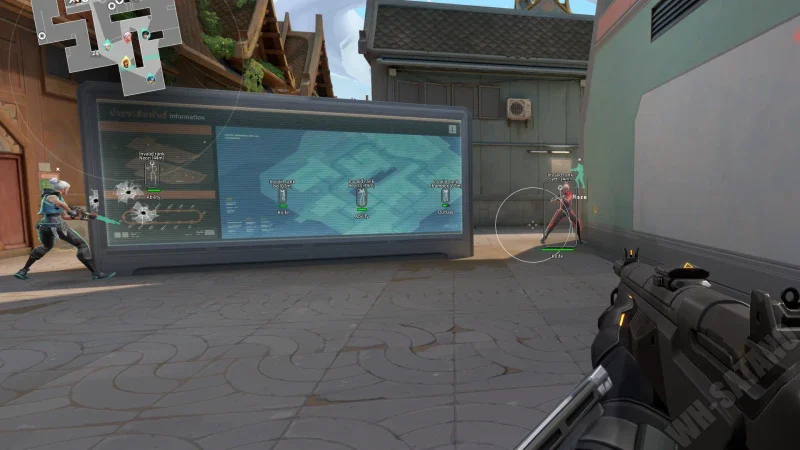
How aim help is described on the listing
The vendor FAQ groups FOV, aim speed, bone targeting, visibility checks, and smoothing or humanization together. FOV and visibility decide who is eligible. Speed, bone, and smoothing decide how the crosshair gets there.
If picks feel random, check FOV and visibility first. If the right target is chosen but motion feels wrong, adjust speed, bone, and smoothing.
A sensible first setup
Play a few rounds with aim help off and player ESP on so you know what labels look like in a 5v5. Then enable aim help with a small FOV and higher smoothing until you can follow the motion.
Valorant fights are short. A wide FOV with almost no smoothing can feel like the mouse was taken away. That is those settings doing what they say.
What this module does not promise
The reference does not list silent aim, triggerbot, or per-weapon profiles. This page only covers the aimbot controls named on the vendor listing and in their FAQ.
Works well with
Related reading
Valorant Aimbot questions
Can I use Valorant ESP without the aimbot?
Yes. Turn aim help off and player ESP, agents and spike ESP, skeleton and rank labels, and streamproof overlay keep running.
Does the Valorant aimbot include smoothing?
The vendor FAQ mentions smoothing and humanization settings alongside FOV, aim speed, bone targeting, and visibility checks.
Will other players see robotic snaps?
The listing talks about smoothing and humanization so aim looks more natural. You still adjust FOV and speed to match how you play.
Is aim help updated after Valorant patches?
The vendor states updates ship within about 2 to 6 hours of a game patch. Check the Status label before you load after an update.
Aimbot ships with the full menu
One license covers every module. $30 for 30 days or $60 for three months on the vendor listing.
Around the site
Status, checkout, and the guides that sit around this module.